How I Plan a Complete Vision Board Clip Art Book Before Generating the Artwork
Creating a few attractive vision board clip art pages is relatively easy.
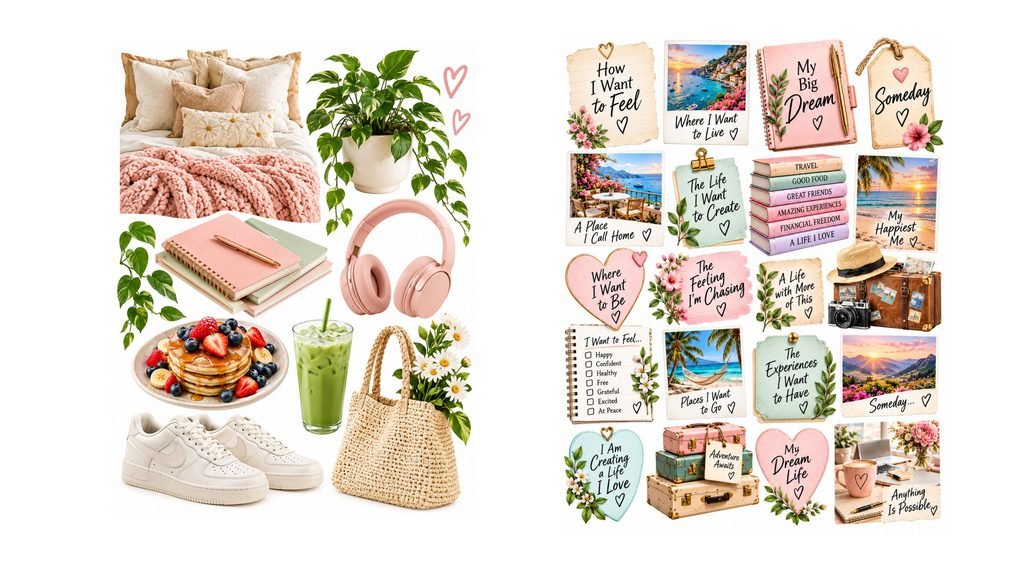
Creating enough original, useful and visually coordinated pages for an entire vision board clip art book is a very different challenge.
When I first started planning full-colour cut-out vision board books, I thought generating the artwork would be the difficult part.
It wasn’t.
The bigger challenge was deciding what should actually go on every page of the book.
Without a proper plan, it’s surprisingly easy to start repeating yourself.
Another suitcase.
Another laptop.
Another coffee cup.
Another journal.
Each image might look perfectly good on its own, but once you start building an entire book, repetition becomes much more obvious.
That’s why I now work in a different order:
PLAN → PROMPT → CREATE
Instead of generating dozens of images first and trying to turn them into a book afterwards, I plan the structure of the book before I create the artwork.
1. PLAN YOUR VISION BOARD CLIP ART BEFORE CREATING THE IMAGES
The first step is deciding what the finished book actually needs.
I start with the person the book is for.
What stage of life are they in? What are they hoping to achieve? What types of goals, dreams or experiences are likely to appear on their vision board?
A vision board book can include much more than a collection of attractive clip art.
Depending on the theme, pages might include aspirational lifestyle imagery, travel, home, career, money, relationships, hobbies, health and personal goals.
But there can also be other useful elements such as:
- words and inspirational phrases
- writable goal cards
- milestone cards
- trackers
- labels
- planning stickers
- decorative cut-outs
- icons and smaller collage pieces
Planning these different page types before generating the artwork makes it much easier to see whether the book has enough variety.
It also helps me notice repetition before I have spent time creating dozens of finished pages.
For example, if I’m planning a travel-themed vision board book, I don’t want every page to contain a suitcase, passport and aeroplane.
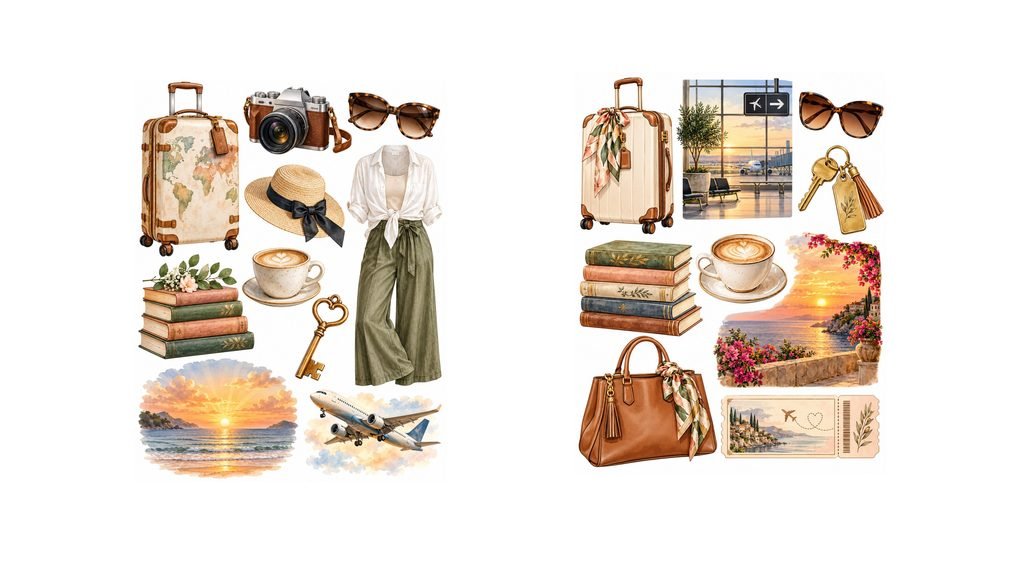
I might instead plan pages around dream destinations, weekend escapes, travel savings, adventure activities, road trips, food experiences, accommodation, travel quotes, writable bucket-list cards and small planning stickers.
The theme stays consistent, but the pages have different purposes.
2. TURN EACH PAGE IDEA INTO A SPECIFIC IMAGE PROMPT
Once the overall book plan is approved, I move to the prompt stage.
This is where planning makes AI image generation much easier.
Instead of typing something broad such as:
“Create a travel vision board clip-art page.”
I already know what that particular page is supposed to contain.
I can specify the objects, the number of cut-outs, the colour palette, the visual style, the page orientation, the background and the spacing required between each piece.
For a physical cut-out book, those details matter.
The images need enough space around them for someone to cut them out with scissors. Objects shouldn’t overlap. Important elements shouldn’t be cropped at the edge of the page. And the overall style needs to feel consistent with the rest of the book.
A more detailed prompt gives the AI tool a much clearer job to do.
Instead of asking it to invent both the page concept and the artwork at the same time, I’ve already made the important creative decisions.
The AI is helping me produce the page I planned.
That is a very different process from repeatedly generating random images and hoping they eventually form a cohesive book.
3. TEST THE VISUAL DIRECTION BEFORE CREATING THE WHOLE BOOK
The next lesson I’ve learned is not to create the entire book immediately.
If I’m planning a large book, I don’t want to generate 60, 80 or 100 pages before discovering there is a problem with the design.
Instead, I create several different test pages.
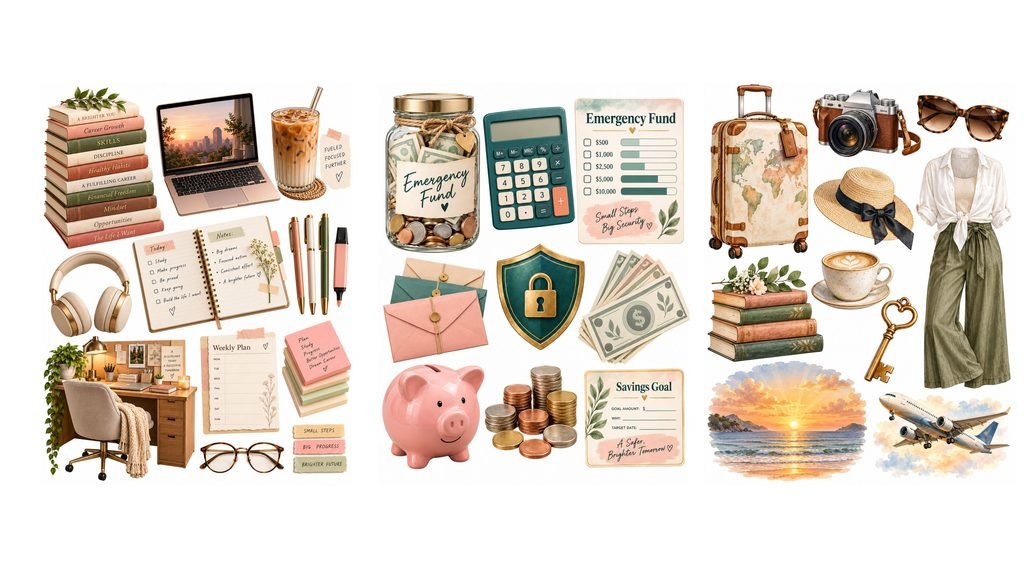
I might test a standard clip-art page, a word page, a writable card page and a sticker page.
Then I look at the book as a whole.
Are the colours working together?
Is there enough space between the cut-outs?
Are the objects large enough to be useful?
Does the artwork feel appropriate for the intended buyer?
Does the style look consistent from one page to another?
And most importantly for a physical cut-out book:
Would these pieces actually be practical to cut out and use?
This is the point where I make changes.
It is much easier to adjust the visual direction after four test pages than after forty.
Once I’m happy with the look and structure, I can start creating the remaining pages using the plan as my guide.
WHY I USE PLAN → PROMPT → CREATE
For me, the biggest advantage of this workflow is that each stage has a different job.
PLAN decides what the book needs.
PROMPT translates those decisions into clear instructions for the AI tool.
CREATE produces the actual artwork.
Separating those stages makes the whole project much easier to manage.
It also reduces the temptation to keep generating images simply because an AI tool makes it easy to create another one.
The goal isn’t to generate the largest number of images possible.
The goal is to create a book that feels useful, varied and intentional.
THE CLIP ART VISION BOARD BOOK PLANNING KIT
As I developed this process, it became the basis of my Clip Art Vision Board Book Planning Kit.
I created the kit for people who want a structured way to plan their own full-colour cut-out vision board books instead of starting with hundreds of disconnected AI images.
Inside the kit, I walk through the PLAN → PROMPT → CREATE workflow and include planning guides, AI prompt frameworks, additional page ideas and worked examples across several different vision board book concepts.
The aim is to help you work out what your book needs before you begin generating all the artwork.
You can see the Clip Art Vision Board Book Planning Kit here:
View the Clip Art Vision Board Book Planning Kit →
START WITH THE BOOK, NOT THE IMAGES
The biggest lesson I’ve learned from creating these books is simple:
Don’t start by creating hundreds of images. Start by deciding what the finished book actually needs.
Once you have the structure, the artwork becomes much easier to create.
You know what each page needs to do.
You know what still needs to be created.
And you have a much better chance of producing a vision board clip art book that feels intentional rather than repetitive.
PLAN → PROMPT → CREATE.
Sometimes doing a little more thinking at the beginning saves a lot of work later.
If you’re still deciding what kind of digital product you could create, I also have a guide on how to turn what you already know into a digital product after 50.